
Journal · Financce · Tools
Paperless bills: scan and file receipts for warranties, tax and claims
Which bills and receipts are worth keeping, how long to keep them, and a simple folder system so you can find any receipt in seconds.
 Goldmend Money
4 min read
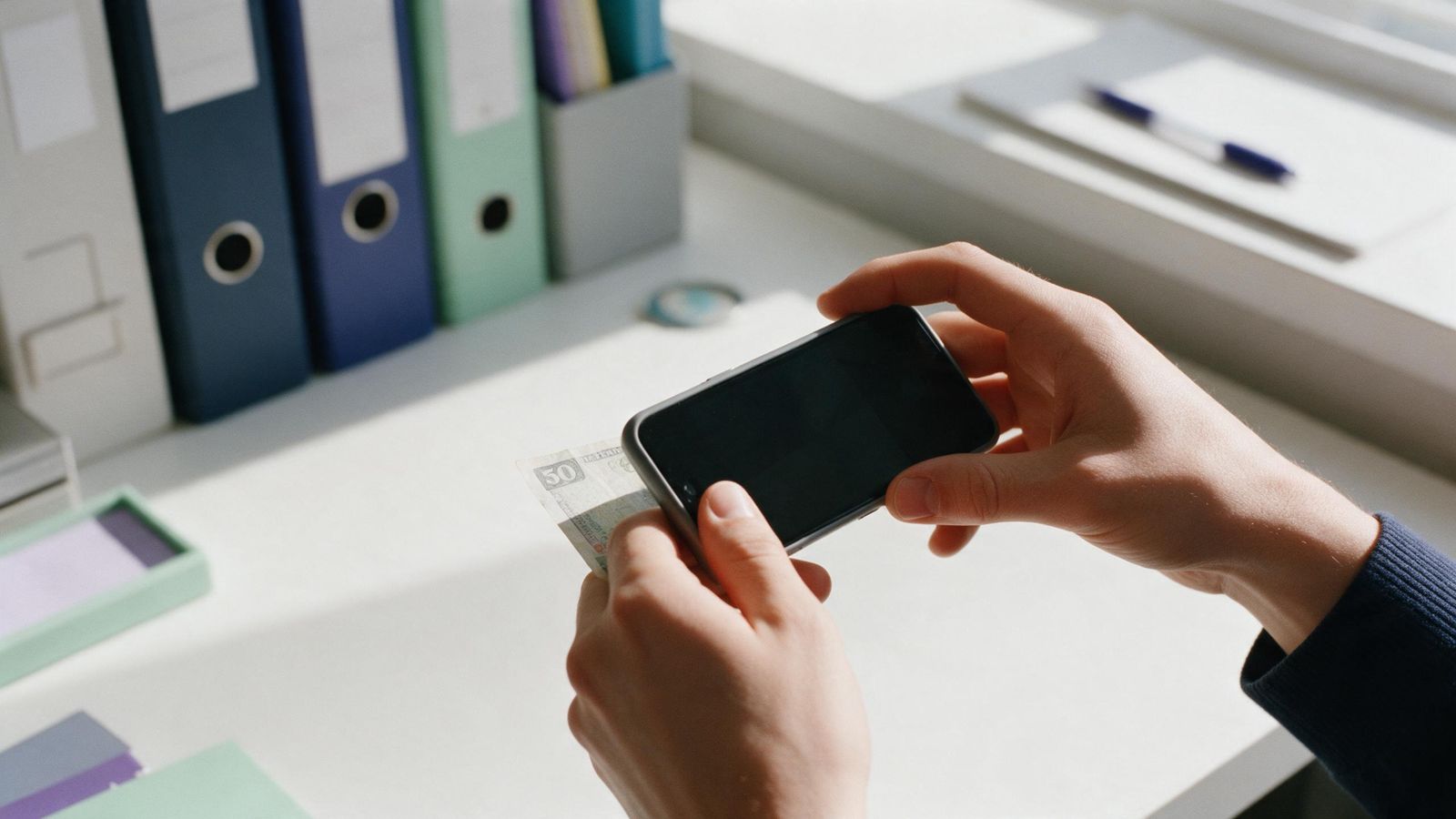
Most of us have a drawer, a shoebox or a car glovebox full of receipts. Some are important. Most are not. When you finally need one — for a warranty repair, a tax claim or a work reimbursement — it is faded, crumpled or missing.
Going paperless does not mean scanning everything. It means keeping the right documents, in a place where you can find them.
Why keep receipts at all?
There are four common reasons:
- Warranties and returns. Electrical goods, phones and furniture often need proof of purchase for repairs or exchanges.
- Tax records. Some expenses may qualify for tax relief, such as certain medical, education or lifestyle purchases. Tax authorities may ask for proof.
- Work claims. Most employers need a receipt to reimburse you.
- Disputes. Proof of a payment helps if a bill is charged twice or a service is not delivered.
A fifth, quieter reason: seeing your bills in one place helps you notice when they creep up.
What is worth keeping
Keep:
- receipts for anything with a warranty, especially electronics and appliances
- receipts for expenses you might claim for tax relief
- work-related receipts until you are reimbursed
- utility and phone bills, at least for a few months, to check for errors
- insurance, medical and school fee invoices
- receipts for large purchases you might resell or need to prove ownership of
You can usually skip everyday small purchases like snacks or parking, unless they are for a work claim.
How long to keep them
There is no single answer. Tax authorities set their own record-keeping periods, which can be several years and may change. Check your tax authority (for example IRAS in Singapore, LHDN in Malaysia, the ATO in Australia or the IRS in the USA) for the current rules for individuals.
For warranties, keep the receipt at least as long as the warranty lasts. For work claims, keep it until the money is back in your account, then a little longer in case of an audit.
A simple rule many people use: keep tax-related records for the period your tax authority requires, and everything else for at least a year.
Paper fades, files do not
Thermal paper receipts, the shiny kind from most shops, fade within months, especially in heat. A photo taken on the day stays readable. Some shops also offer e-receipts by email or app. Save those too.
A filing system that works
Good filing has two parts: where the file goes, and what it is called.
Folders by date and category
A structure like Bills / year / month / category works well. For example:
Bills/2026/11 November/Utilities
This lets you browse a month or a category quickly, and find all of last year's medical receipts when filing taxes.
Names that tell you what is inside
Name each file with the date, shop and amount:
2026-11-02_TNB_182.40.pdf
You can then tell at a glance what a receipt is, and sort files by date without opening them.
Make it a 30-second habit
The system only works if you use it at the moment of purchase or when the bill arrives. Snap the receipt before you leave the shop. When an e-bill lands in your inbox, file it then. Waiting until the end of the month means a pile, and a pile means it does not happen.
Back up your files
Files on one phone can be lost if the phone is lost or broken. Make sure your bill files are part of a regular backup, and keep important documents, such as large purchase receipts and insurance policies, in a second safe place too.
Try it in Financce
- Tap Scan bill on Home, or go to More → Scan a bill.
- Choose Take a photo, Choose a photo or Import a PDF or file.
- Type the Shop or biller, the total and the Date on the bill. The category is guessed from the shop name, and you can change it.
- Optional: choose who it was For, such as a child for school receipts.
- Leave Also add as an expense on to log it, or turn it off if you already recorded it.
- Tap File this bill. It is saved as Bills / year / month / category, named by date, shop and amount.
- Find it later in More → Bill folders, or use Search all bills by shop, note, amount or month.
Coming soon: an AI reader that fills in the total, date and shop from the picture. For now, you type them in yourself.
This article is general information, not financial advice.
 Try it in Financce, the Goldmend Money app for everyday money. Get Financce
General information, not financial advice. Figures are examples.
Next: Understanding loans and instalments: monthly payments, flat vs reducing rates, in plain terms